9 Common Mistakes with AI Interview Assistants



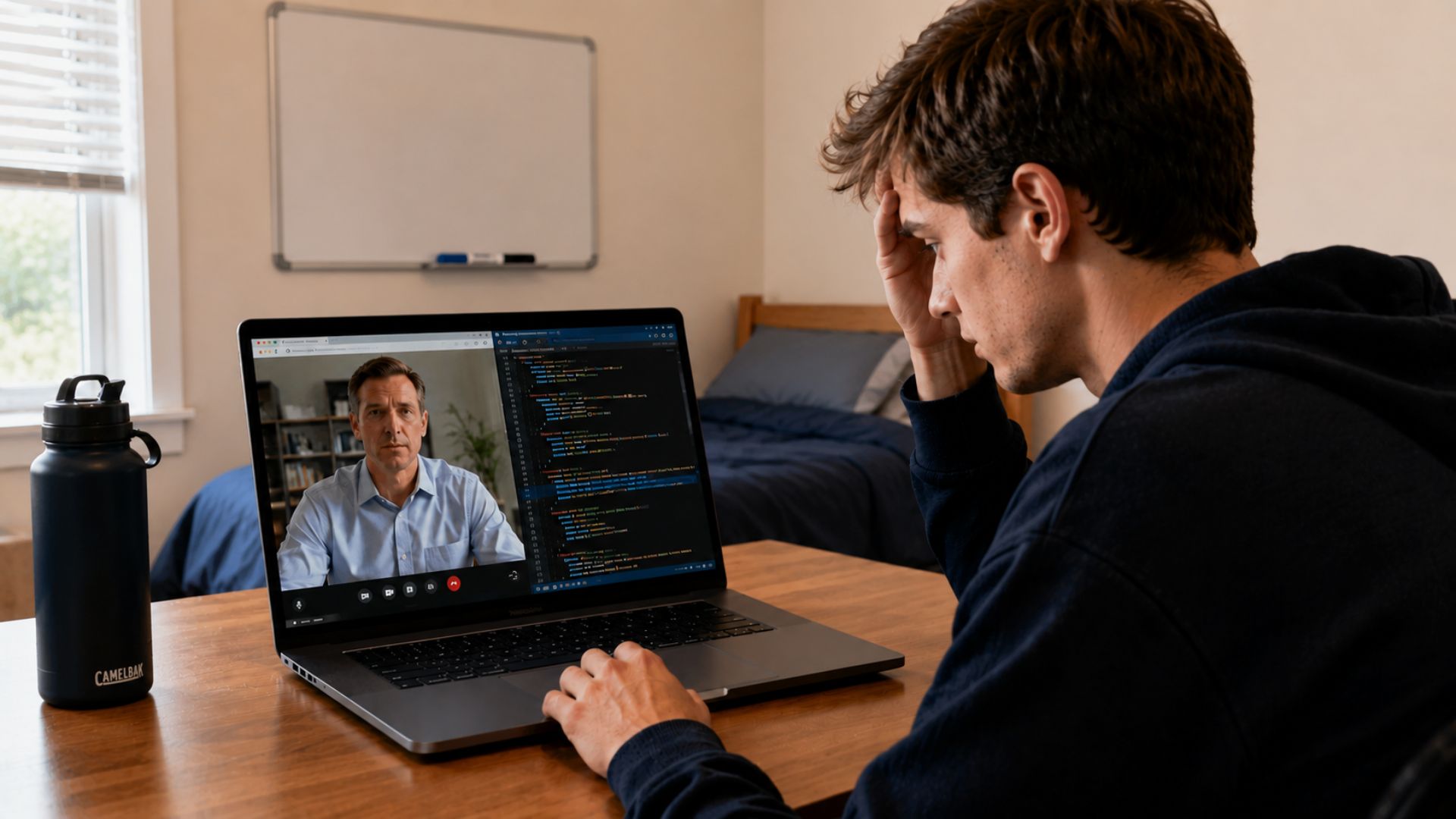
The most common AI interview assistant mistake is reading the AI's output word-for-word instead of using it as a prompt. When a candidate recites a generated response verbatim, interviewers, who conduct dozens of interviews per year, recognize the pattern immediately. The tell is simple: the answer sounds complete and polished but the candidate can't answer a follow-up question about it. Every other mistake on this list compounds from this one starting point: treating an AI tool as a script instead of a coaching aid.
Quick Answer
- The 9 most costly AI interview assistant mistakes in 2026: reading responses word-for-word, cluttered screen setup, not uploading resume/JD, trusting misheard questions, waiting for AI before speaking, using AI-fabricated experience, skipping pre-interview testing, constant eye-shifting, and losing composure when AI glitches
- Every mistake has a specific behavioral fix, not a mindset reminder, that you can implement before your next interview
- The root cause of most AI tool failures is the same: candidates use these tools as replacements for preparation rather than amplifiers of it
What Are AI Interview Assistants and How Do They Work?
AI interview assistants are real-time software tools that listen to interview questions through your microphone or screen-sharing audio and display suggested answers, talking points, or relevant examples on your screen while the interview is in progress. They differ from AI mock interview platforms, which simulate offline practice sessions. Real-time copilots work during the actual live interview, generating responses on the fly based on your uploaded resume and job description.
interview preparation AI's Interview CoPilot™ is one of the leading tools in this category, it listens to interview questions in real time and surfaces personalized answer frameworks based on the specific role you're interviewing for. The tool is designed to function as a coaching aid, not a teleprompter. Understanding that distinction is the foundation of using any AI interview assistant correctly.
The 9 Most Common Mistakes with AI Interview Assistants (And Fixes)
1. Reading Responses Word-for-Word
The interviewer asks a question. The AI generates a response. The candidate reads it aloud. This is the most immediately damaging pattern because it destroys two things at once: the perception of genuine experience (the answer sounds rehearsed, not lived) and follow-up resilience (when the interviewer probes, the candidate has nothing because the experience wasn't theirs).
Fix: Treat the AI suggestion as bullet-point notes. Glance at the key idea, internalize it in one second, then respond in your own words and your own pace. If you need 2 seconds to absorb the suggestion, start with a framing phrase like "Great question, let me walk you through how I've approached this" while you process. That's a natural human behavior, not a stall.
2. Not Uploading Your Resume and Job Description
AI interview copilots are powered by large language models with broad world knowledge but zero knowledge of you. Without your resume and the job description loaded before the session begins, the AI generates generic answers that could belong to any candidate for any role. The suggestions lack your specific experience, your terminology, and the company-specific vocabulary the interviewer expects.
Fix: 10–20 minutes before every interview, update your profile in the AI tool. Upload your current resume. Paste the full job description. Add 2–3 notes about the company's current situation (recent product launch, funding round, strategic priority) if available. With this context loaded, the AI's suggestions will reference your actual background and mirror the employer's language. Pair this with a well-optimized resume that gives the AI rich material to work with.
3. A Cluttered Screen
Your video background needs to be clean, but so does your laptop screen. If you have multiple tabs open, multiple windows visible in the background, or notifications firing during the interview, you're creating visual distractions for the interviewer and for yourself. Candidates with cluttered screens spend cognitive resources managing the chaos instead of managing the conversation.
Fix: Before every interview: close every application that isn't your video call or the AI copilot. Enable Do Not Disturb. Position the AI copilot window near your webcam so your eye movement when checking it is minimal. Your screen should have exactly two things open.
4. Assuming the AI Always Understood the Question Correctly
AI transcription is good, not perfect. Audio quality degradation, background noise, interviewer accents, or industry-specific jargon can produce misheard questions. If the AI mishears "Tell me about a time you managed conflicting priorities" as "Tell me about a time you managed conflicts," the suggested answer shifts enough that your response will subtly miss the mark. Experienced interviewers notice when an answer doesn't quite land on the question they asked.
Fix: Always spend 1 second mentally checking the AI's suggestion against the actual question before you start speaking. If there's a mismatch, ask a clarifying question: "Just to make sure I'm addressing what you're looking for, are you asking about prioritization across simultaneous projects, or specifically about interpersonal conflict?" That's not stalling. That's precision.
5. Letting the AI Dictate When You Speak
Candidates who are over-reliant on AI suggestions wait 4–6 seconds after a question before speaking, waiting for the AI to generate output. Then they rush through a half-formed answer when a new suggestion appears, breaking natural conversational rhythm. Interviewers interpret unusual pacing and timing pauses as nervousness or evasiveness.
Fix: Begin speaking within 2–3 seconds of the question. You don't need a complete thought. A natural opener buys time: "That's an area I've navigated in a few different ways, let me give you the most relevant example" keeps the conversation moving while you absorb the AI's suggestion in the background.
6. Letting the AI Fabricate Work Experience
AI models generate plausible-sounding career stories. They don't know what you've actually done. When a candidate uses an AI-suggested example that doesn't match their real experience, the fabrication collapses immediately under follow-up questioning. "You mentioned leading the migration to Kubernetes, which version were you on when you started, and what was your biggest gotcha in that process?" A fabricated story has no authentic detail to back it up.
Fix: If the AI suggests an example that doesn't reflect your actual experience, don't use it. Find the closest real experience you have, even if it's smaller in scope. A real example delivered with specific, authentic detail outperforms a fabricated one every time. Your genuine experience with a 10-person project is more credible than a generated description of a 100-person initiative you never touched.
7. Not Testing the Tool Before the Interview
Technology fails at high-stakes moments specifically because those are the moments when it gets turned on for the first time. Microphone permission issues, browser compatibility problems, audio feedback loops, transcription delays, all of these are fully preventable with a 15-minute test session conducted at least a day before your interview.
Fix: Schedule a dedicated technical setup session 24 hours before your interview. Test the AI copilot with your actual microphone, in your actual interview location, at the same time of day. Simulate the setup: close all other applications, enable Do Not Disturb, run a 5-minute mock session to confirm the AI is correctly transcribing speech and generating relevant suggestions. Use Final Round AI's mock interview practice mode for the test session to make it productive rather than just a connectivity check.
8. Constantly Glancing Away from the Camera
Eye contact in video interviews means looking at the camera, not the interviewer's face on screen. Most candidates look at the interviewer's video tile, which appears below the camera, creating the appearance of consistently looking down. Candidates using AI copilots add a second visual drift: frequent off-camera glances to read the AI's suggestions. The cumulative effect is a candidate who appears distracted, evasive, or dependent on notes.
Fix: Position your AI copilot window as close to your webcam as your screen setup allows. On a laptop, this typically means a narrow window positioned in the upper portion of the screen near the camera. Practice this positioning during your test session, the goal is that a check of the AI suggestion requires a near-invisible eye movement, not a noticeable head turn.
9. Falling Apart When the AI Glitches
Wi-Fi degrades. Browser windows freeze. AI generation stalls. Every candidate using an AI copilot will experience a technical failure during a live interview at some point in 2025 or 2026. Candidates who have built genuine interview fluency alongside their AI tool handle this invisibly. Candidates who have outsourced their preparation to the AI fall apart visibly, which signals exactly the dependency the interviewer hoped not to see.
Fix: Two actions. First, build real interview preparation that doesn't depend on the AI, know your top 5 career examples cold, without notes or prompts. Second, keep a small physical notepad with your 5 key talking points and the company's top 3 priorities written down. If the AI fails, you glance at the notepad exactly once for orientation. Then you continue the interview on your own competence.
Why Candidates Over-Rely on AI Interview Tools
The job market in 2025 and 2026 is intensely competitive. For knowledge economy roles, candidate pools are 3–5x larger than they were in 2019, driven by remote-work globalization of hiring. The pressure to outperform in every interview has made candidates willing to lean on any tool that might provide an edge. AI interview assistants are marketed aggressively as job guarantees, they're not. They're force multipliers for candidates who are already prepared. For underprepared candidates, they accelerate failure by creating a false sense of readiness.
The candidates who succeed with AI interview tools in 2026 use them the same way a surgeon uses a checklist: as a backup system for an expert, not a replacement for expertise. Join the Final Round AI community to learn how high-performing candidates integrate AI tools into their prep workflows effectively.
Related Interview Guides
- High-Level Interview Coaching: Expert Career Support, For executives and senior leaders who want structured coaching that goes beyond AI tool support.
- Tips for Using an AI Interview Assistant Effectively, The positive counterpart to this guide, how to use these tools correctly after you've learned what not to do.
- Common Job Interview Mistakes to Avoid, Broader interview mistakes that apply whether or not you're using an AI tool.
- Interview Prep Tips That Actually Work, Evidence-backed preparation strategies to build the genuine competency that makes AI tools work better.
- Common Mistakes In Ai Mock Interviews Vs Best Practices What You Need To Know
Frequently Asked Questions
Are AI interview assistants detectable by employers?
Not reliably by technology alone in 2026, but absolutely by human observation. The behavioral signals, unusual pacing, off-camera eye movement, verbatim answer delivery, inability to elaborate under follow-up questioning, are detectable by experienced interviewers without any software. The question isn't whether AI tools are technically detectable. It's whether your use of them will make you a weaker or stronger candidate in the actual conversation. Browse interview tools compared in our interview tips hub.
What is the best way to use an AI interview copilot?
Use it for structure, not for content. The AI's job is to remind you which of your experiences is most relevant to the current question and to surface the structural framework (STAR, problem-solution-result, data-first) that fits the question type. Your job is to fill that structure with your genuine experience in your own words. The best AI tool users report that they rarely read more than 5–10 words of an AI suggestion, enough to confirm they're on the right track, then they continue speaking from their own knowledge.
Can I use an AI interview assistant without the interviewer knowing?
During video interviews, yes, if you've positioned the tool correctly and you're not exhibiting the behavioral tell signs. During in-person interviews, no. AI copilots require a visible screen, which creates an immediate problem in face-to-face settings. Most candidates use AI tools only for remote video interviews and rely on conventional preparation methods for in-person interviews.
What should I do if my AI interview tool fails during a live interview?
Continue speaking from your preparation. A 2-second pause followed by a confident response is indistinguishable from normal thinking time. Candidates who have practiced without the AI tool handle failures invisibly. Candidates who haven't practiced independently reveal their dependency immediately. The fix is not technical, it's doing 5–10 practice interviews without the AI tool before your first live interview with it.
Which AI interview assistant is best in 2026?
Final Round AI's Interview CoPilot™ consistently ranks at the top of independent comparisons for response relevance, transcription accuracy, and contextual personalization based on uploaded resume and job description data. The key differentiator in 2025–2026 evaluations is personalization depth, tools that generate generic responses without reading your profile are significantly less useful than tools that reference your specific background. Try the AI mock interview to see how the platform works before using it live.
Table of Contents
Related articles

Best Way to Explain Frequent Job Changes in Interview
Learn how to explain frequent job changes, or job hopping, to employers in an interview with confidence.
Entrevista de Trabajo en Inglés: Frases, Preguntas y Vocabulario
Guía de frases y vocabulario para entrevistas de trabajo en inglés en 2025 y 2026. Frases STAR, vocabulario por área, y las cinco preguntas más comunes con respuestas modelo.
Is Final Round AI Worth It? An Honest 2026 Assessment
Is Final Round AI worth it in 2026? Honest breakdown of the annual vs. monthly pricing math, who benefits most, and what the Trustpilot criticism actually reflects.
What Is OfferGoose? Pricing, Features, and Honest Review
OfferGoose is an AI interview copilot with real-time answer cues. Review covers pricing ($39.99-$199.99), features, limitations, and comparison with Interview CoPilot.